
Concept illustrationAnker 332 vs Anker 555: Ports, Display Limits, and Charging Compared
Compare Anker A8355 and A8383 by the connections you actually need: HDMI refresh rate, USB data, Ethernet, memory cards, and laptop charging.
Concept illustration · not evidence of testingCompare compatibility, features, and tradeoffs before you choose your next device.
Concept illustrationCompare Anker A8355 and A8383 by the connections you actually need: HDMI refresh rate, USB data, Ethernet, memory cards, and laptop charging.
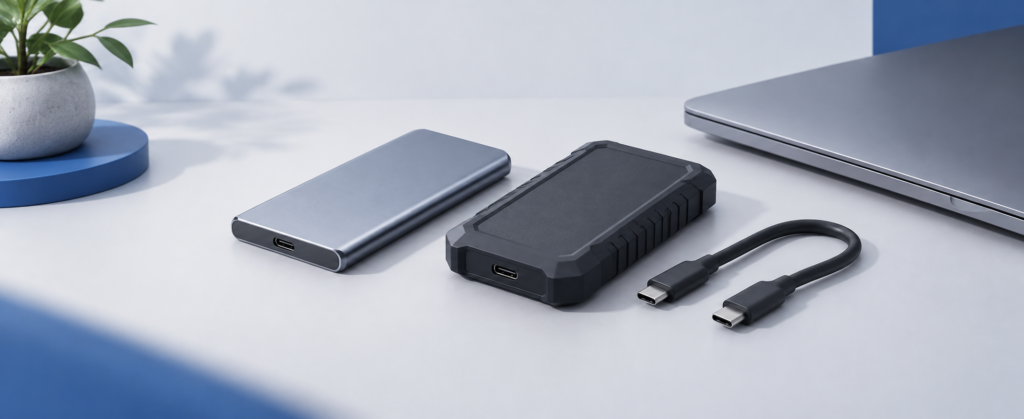
Concept illustrationCompare the T7 Shield and T9 by USB interface, host requirements, and your actual workflow before paying for a speed tier you cannot use.
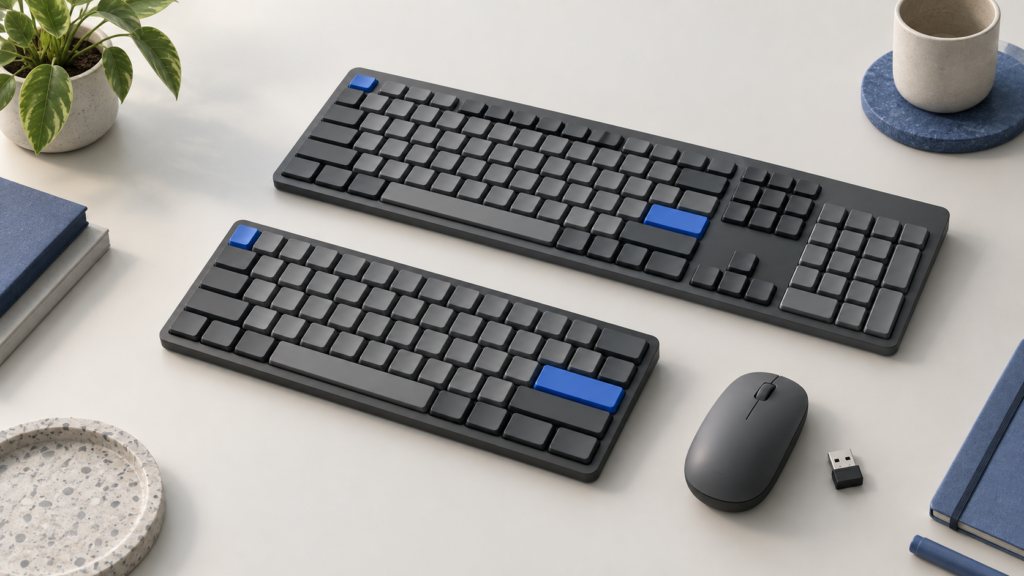
Concept illustrationChoose between a compact keyboard and a wider number-pad layout by checking desk space, device switching, receiver compatibility, and what comes in the box.
9 articles · Newest published first
Concept illustrationAvoid incompatible receivers and missing accessories: compare host support, pairing steps, shared-receiver compatibility, and multi-device switching before buying.
Concept illustrationChoose between a compact keyboard and a wider number-pad layout by checking desk space, device switching, receiver compatibility, and what comes in the box.
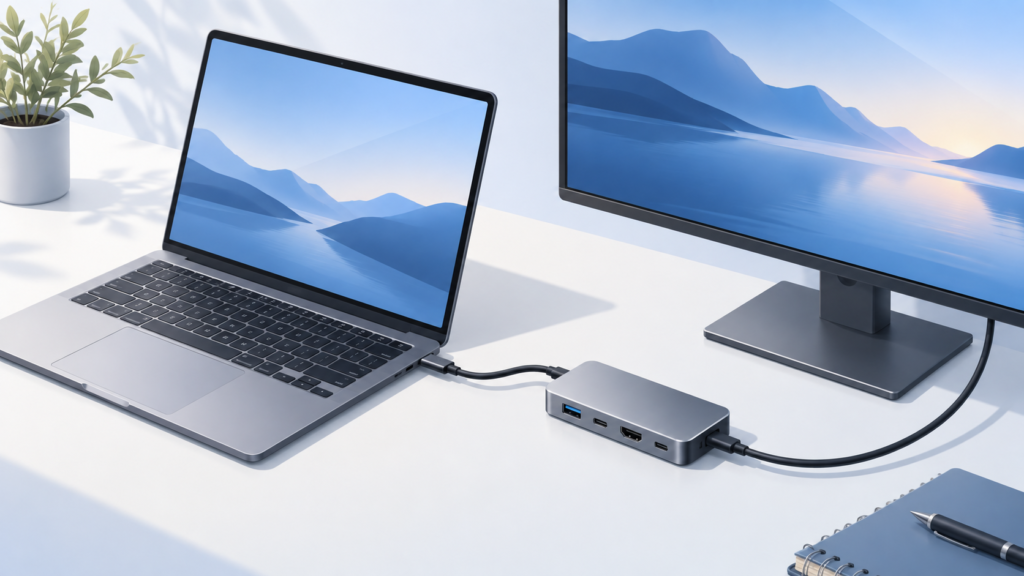
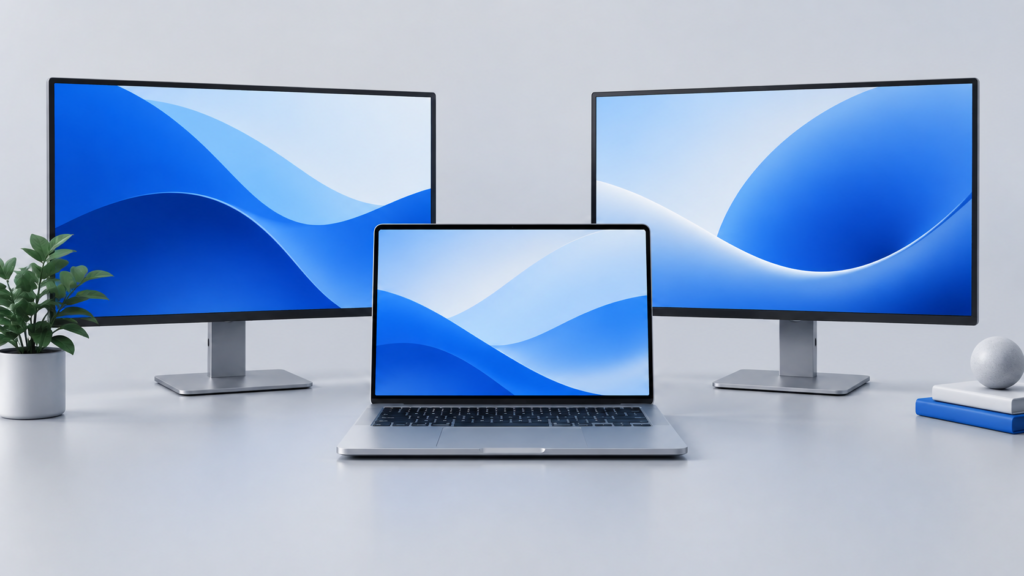
Concept illustrationWork out whether a monitor's USB hub, charging, and network ports cover your desk—or whether a separate dock still fills an important gap.
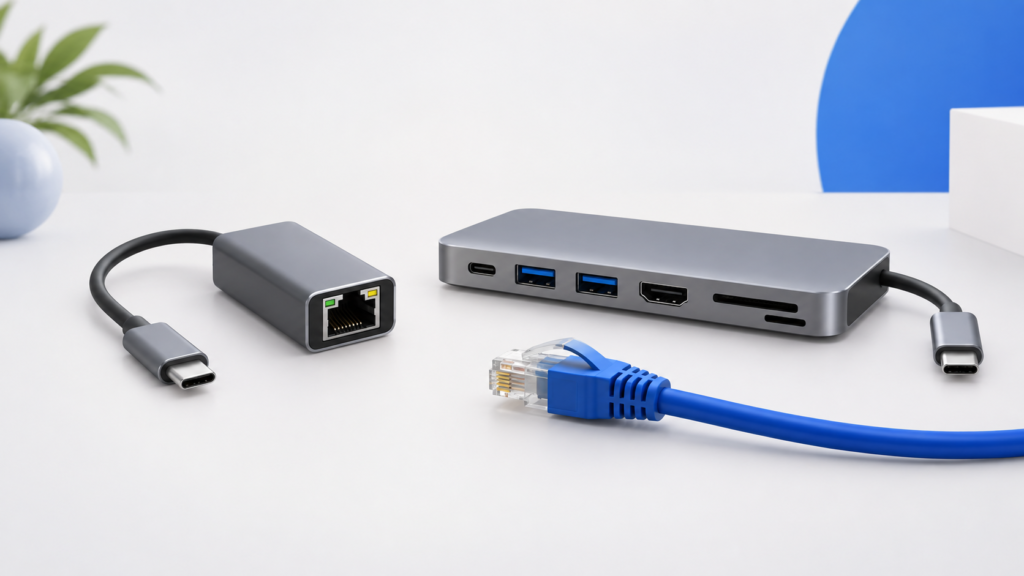
Concept illustrationChoose a standalone Ethernet adapter when networking is the missing connection. Choose a hub when you also need display, storage, card-reader, or charging connections.
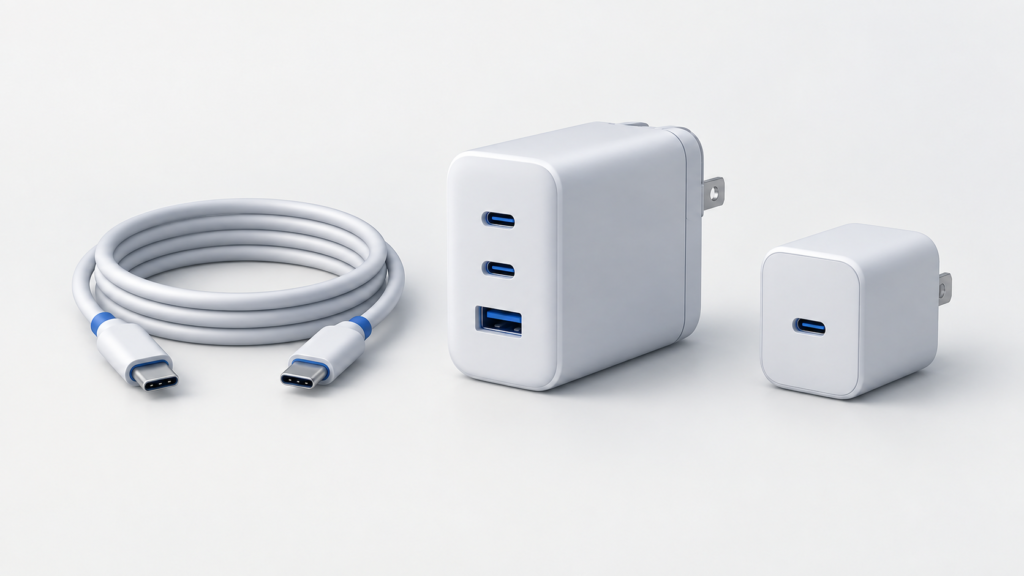
Concept illustrationA 65W label does not mean every port supplies 65W at once. Learn to match a charger's allocation table to the devices you actually charge together.
Concept illustrationCompare the T7 Shield and T9 by USB interface, host requirements, and your actual workflow before paying for a speed tier you cannot use.
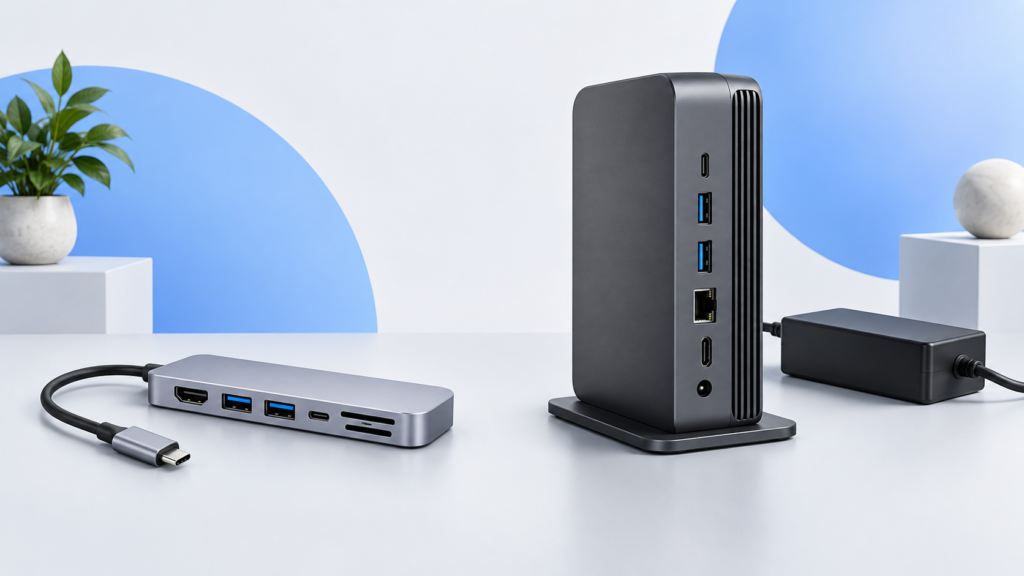
Concept illustrationDecide whether your desk needs a portable USB-C hub or a Thunderbolt 4 dock by checking host support, displays, peripherals, power, and total setup cost.
Concept illustrationChoose between two Ethernet-equipped USB-C hubs by USB-C data needs, host video requirements, card slots, and clearly documented charging limits.
Concept illustrationCompare Anker A8355 and A8383 by the connections you actually need: HDMI refresh rate, USB data, Ethernet, memory cards, and laptop charging.
Our current guides and comparisons use published specifications and cited sources. They are not hands-on test reports.
Each article states whether it is research-based and whether products were tested hands-on.
Confirm your device, ports, operating system and must-have features first.
We highlight practical differences instead of treating specifications as a scorecard.
Model names, bundles, prices and compatibility can change; check the exact listing.
Our buying guides help you define requirements before comparing products.
Browse buying guides