Disclosure: As an Amazon Associate I earn from qualifying purchases. Shopping links in this guide are paid links.
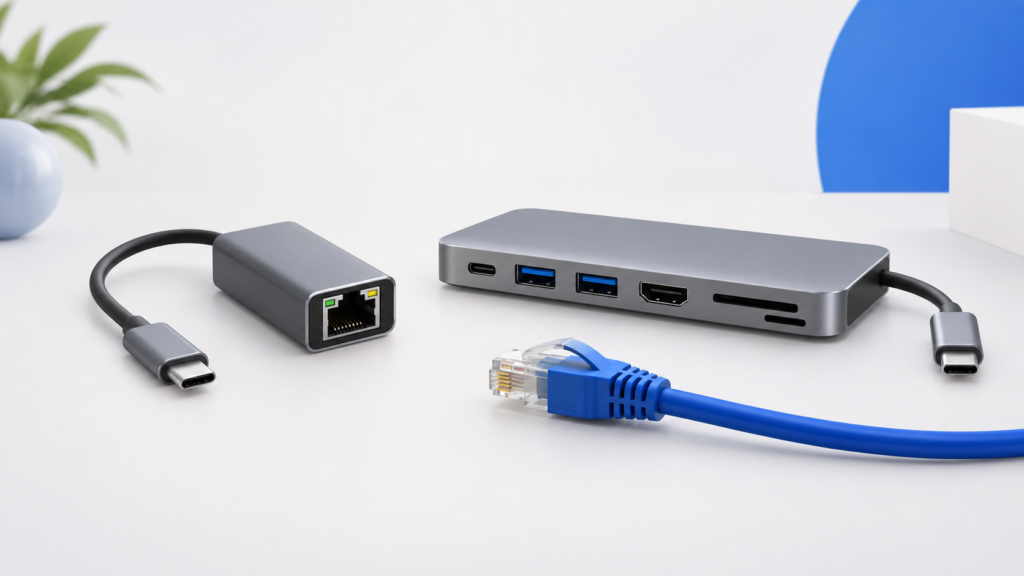
Research-based guide: No hands-on testing. Cover image is an AI-generated conceptual illustration, not a photograph of the named products or evidence of testing.
The most useful difference is the peripheral layout, not eight-in-one versus seven-in-one. Anker’s 555 A8383 includes a USB-C data port alongside USB-A connections. Plugable’s USBC-7IN1E emphasizes two USB-A ports, cards, Ethernet, and HDMI. Work out where each device will connect before deciding that a larger port count is worth paying for.
Side-by-side specifications
Sources: Anker’s A8383 page, Plugable’s exact USBC-7IN1E page, and Plugable’s model-specific display clarification. These are published limits, not measured performance.
Connect your accessories on paper
Suppose you have a USB-A keyboard receiver, a USB-A webcam, and a USB-C drive. The Anker’s port arrangement gives each a matching data socket on paper. The Plugable would require a different connection plan, such as using a spare laptop port or a suitable adapter. This example illustrates socket availability; it is not a promise that every device combination is supported.
If your actual kit is two USB-A devices, a network cable, and an occasional camera card, the extra USB-C data socket may not solve a problem for you. In that case, compatibility, the complete checkout cost, and the selected seller’s terms become more useful tie-breakers than the number printed before “in-one.”
Treat 4K60 as a compatibility question
Plugable’s dedicated support article, updated May 22, 2026, specifies a DP 1.4 Alt Mode-capable host, an appropriate HDMI cable, and a display accepting the target mode. The broader product page also contains an older-looking video table showing lower modes. We therefore would not rely on a headline alone: confirm the current unit and host combination with Plugable if 4K60 is essential.
Anker’s advertised mode likewise does not guarantee your full chain. Provide the computer model and the screen model when asking either manufacturer for confirmation. Neither hub can be assumed to supply two independent HDMI screens; each exposes a single HDMI output.
Do not turn a charging ambiguity into a recommendation
Anker clearly separates input from laptop output. Plugable’s product materials advertise 100W input, while the linked Amazon listing describes up to 87W to a supported system. Because the product page also includes information about similarly named products, confirm the exact USBC-7IN1E revision and output rather than borrowing a number from USBC-7IN1 without the E.
We have not established a charging-speed winner. For a purchase dependent on a precise host-output requirement, a written answer from the manufacturer is the appropriate next step. Treat an unresolved essential specification as a reason to pause, not as a gap to fill with an estimate.
Which one fits which list?
- Consider Anker 555 when a dedicated USB-C data connection is a requirement or when you have compatible storage that makes the higher advertised data ceiling relevant.
- Consider Plugable USBC-7IN1E when the two-USB-A layout already covers your peripherals and its exact host/display requirements are confirmed.
- Choose neither yet when you need multiple independent displays, cannot verify charging compatibility, or require measured sustained-transfer performance.
A faster interface rating does not demonstrate faster real-world work, and a metal enclosure does not demonstrate lower operating temperature. Those questions remain untested here. Use this comparison to eliminate a poor port match, then evaluate price and purchase conditions for the remaining candidate.
Check the exact model on Amazon
Affiliate disclosure: We may earn a commission if you buy through the product-name links or Amazon buttons below. Confirm the selected model, seller, condition, price, and return terms on Amazon before ordering.
Anker 555 USB-C Hub (A8383): check the A8383 model code.
Check price on Amazon
Plugable USB-C 7-in-1 Hub with Ethernet (USBC-7IN1E): keep the final E in the model code and confirm the selected revision.
Check price on Amazon
Continue your research
Sources and method
Prepared from the manufacturer and standards documentation linked below, checked September 16, 2026. Advertised capabilities are not our own measured results. We have not handled or bench-tested these products. The recommendations are conditional buying judgments, not performance rankings.

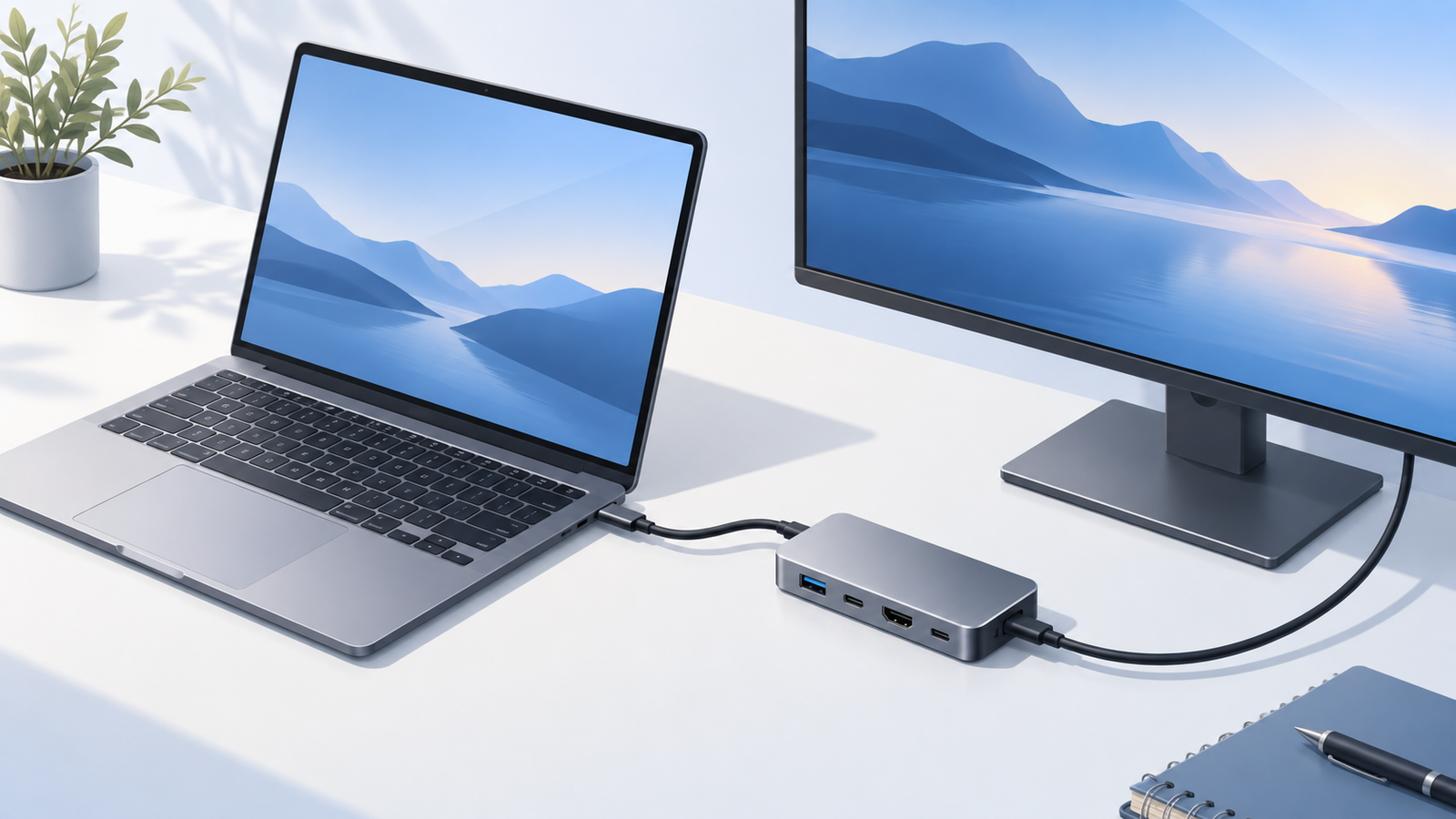
 Concept illustration