Disclosure: As an Amazon Associate I earn from qualifying purchases. Shopping links in this guide are paid links.
Cover: AI-generated conceptual illustration, not a photograph of the named products or evidence of testing.
A single-port charger makes one connection at a time. A multiport charger can reduce the number of adapters you carry, but its headline wattage does not tell you how much power each connected device can receive. The deciding document is the power allocation table for the exact model.
Research-based guide: We have not hands-on tested these chargers. We checked manufacturer specifications on September 21, 2026. The examples below explain stated output limits; they are not charging-time, temperature, or safety test results.
Three numbers to keep separate
- Total output: the charger’s stated overall power budget.
- Single-port maximum: what a particular port can offer in its specified single-device configuration.
- Combined-port allocation: the limits that apply when you use a particular pair or group of ports.
USB Power Delivery supports power negotiation between equipment; the rated maximum is not a promise that a connected device will continuously draw it. Device requirements and supported charging modes still matter. Source: USB-IF Power Delivery overview.
Before comparing chargers, write down your simultaneous-use scenario. “Laptop alone during work; laptop and phone at the hotel” is actionable. “Three devices” is incomplete if you have not identified which device needs priority and which ports their cables use.
A real allocation table, with an important model warning
The Anker 735 Nano II 65W, model A2667, is not the similarly named 735 GaNPrime A2668. The following limits are for A2667 only. Anker’s official support page provides these combinations. Source: A2667 output specifications.
If your laptop setup calls for more than 45W while another USB-C device charges, the second row is the relevant reason to keep looking. The 65W number on the box does not answer that use case. These figures are output ceilings, not a prediction of what your battery will receive throughout a charging session.
When a single-port charger makes sense
Consider one port when the laptop is your clear priority, when you already have a convenient place to charge your phone, or when you prefer not to think about port assignments. Evaluate its supported outputs against your device’s requirements; a single port is not automatically powerful enough merely because it avoids sharing.
There is also a practical packing question. If your laptop’s supplied adapter already meets your needs, keeping it and adding a separate phone charger may be simpler than replacing both. Put your current equipment on the desk before shopping. Count adapters, cables, and available outlets rather than comparing charger bodies alone.
When multiport is the better fit
Consider multiple ports when two or more devices regularly need charging from the same outlet and the allocation table supports that exact combination. Choose based on the most demanding configuration you intend to use, not the easiest one.
A travel setup used mainly overnight may prioritize fewer adapters. A desk setup supporting a laptop during demanding work may prioritize preserving its required power allocation. These are different purchasing goals; neither requires treating the largest printed wattage as an automatic winner.
A multiport example to inspect
Affiliate disclosure: We may earn a commission if you buy through the product-name links or Amazon buttons below. Confirm the selected model, seller, condition, price, and return terms on Amazon before ordering.
The Anker 735 Nano II 65W charger, A2667 is worth considering only if the combinations above suit your devices. Verify A2667 in the selected listing and compare its supported charging modes with each device maker’s guidance. Do not substitute specifications from another “735” model.
Check price on Amazon
Your pre-purchase worksheet
- List the devices that must charge at the same time.
- Record each device’s recommended adapter requirements and cable connector.
- Assign each cable to a named charger port: C1, C2, or A.
- Find that exact combination in the manufacturer’s table.
- Check cable requirements, plug type, included accessories, and the exact model before ordering.
If a USB-C hub sits between the charger and laptop, evaluate that additional limit in our pass-through charging guide. Finally, keep the allocation diagram with the charger. A small note identifying the laptop’s intended port can make a shared charger easier to use consistently.

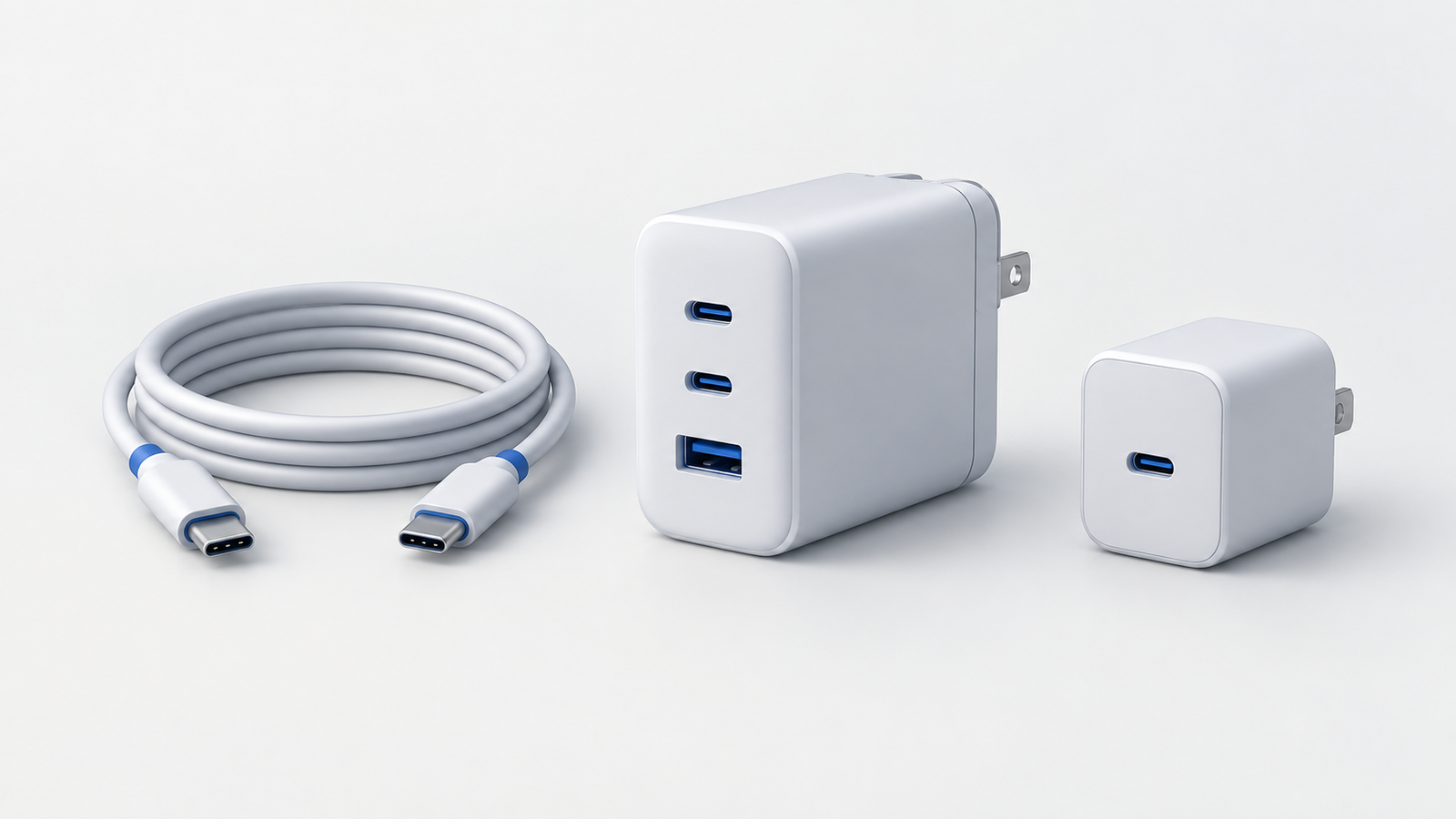
 Concept illustration