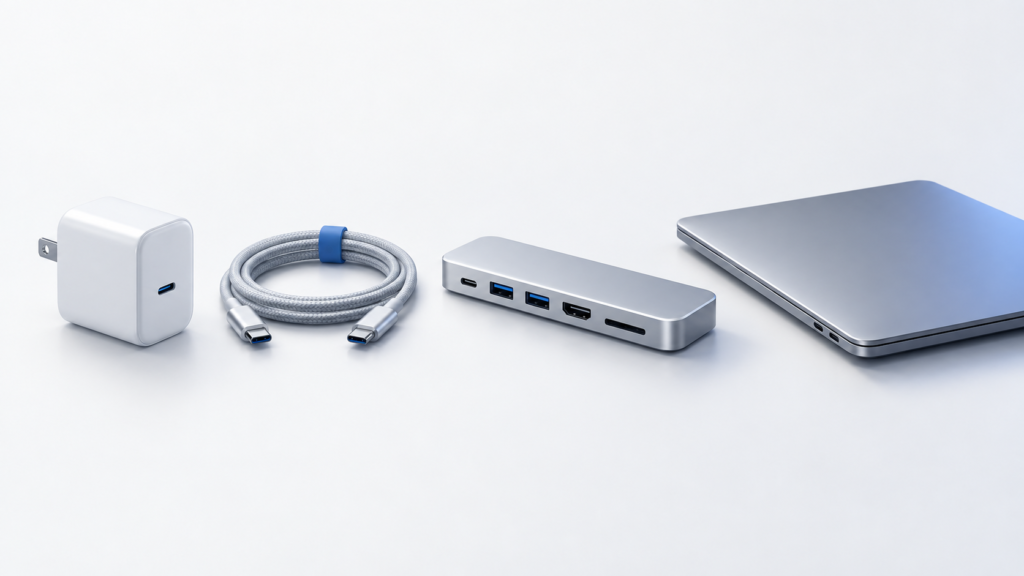

Concept illustrationHow to Choose a USB-C Cable: Charging, Data, and Video Are Different
A USB-C connector does not tell you everything a cable can do. Match the power rating, data rate, video support, and length to the job before buying.
Concept illustration · not evidence of testingChoose hubs, storage, keyboards, and desk accessories that fit your devices and budget.
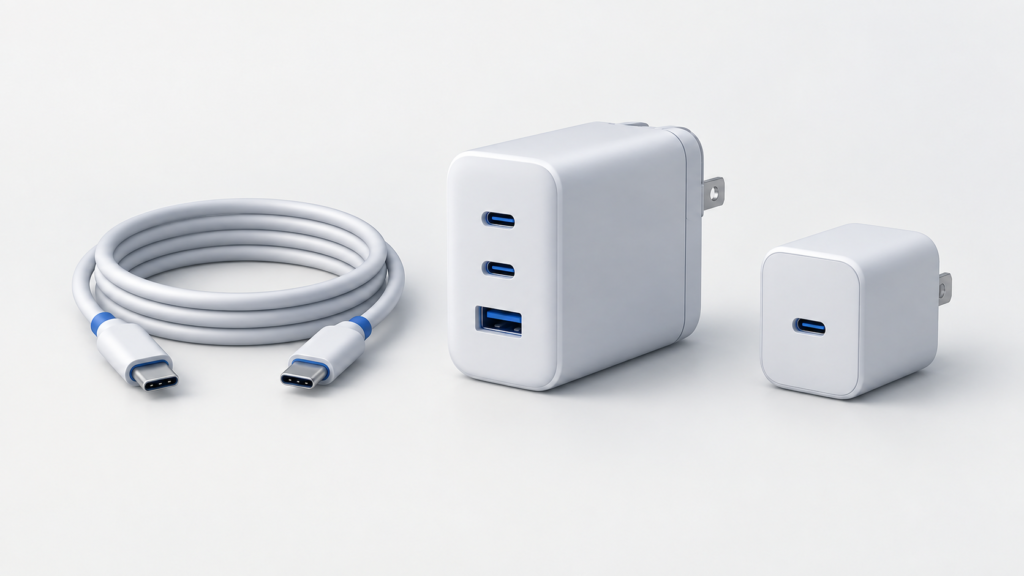
Concept illustrationA USB-C connector does not tell you everything a cable can do. Match the power rating, data rate, video support, and length to the job before buying.
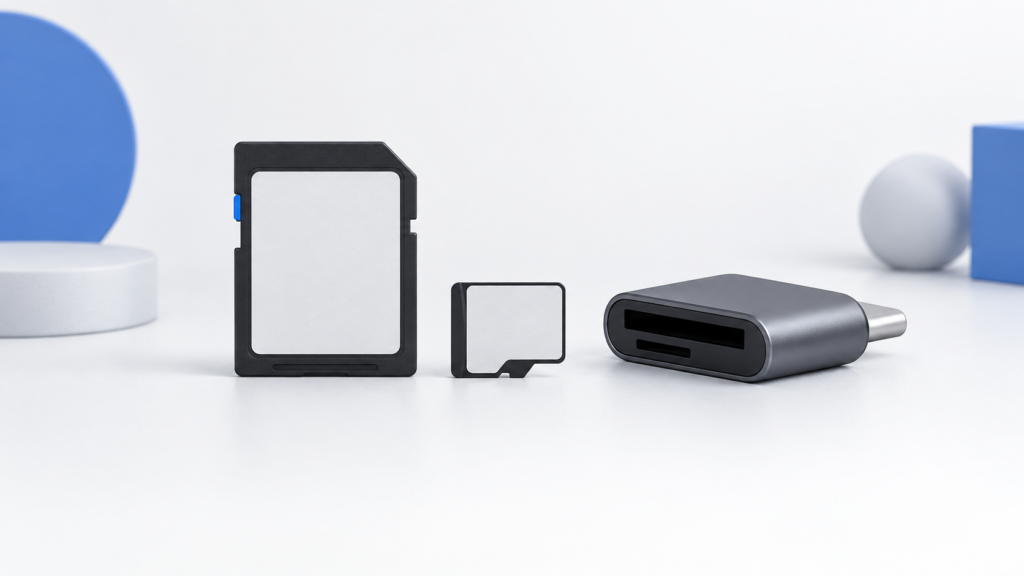
Concept illustrationDecode the card's bus interface, minimum-write class, and advertised read speed, then match the exact requirements in your camera manual.
Concept illustrationTrace the port, cable, shared connection, and test conditions before replacing an SSD that slows down through a hub.
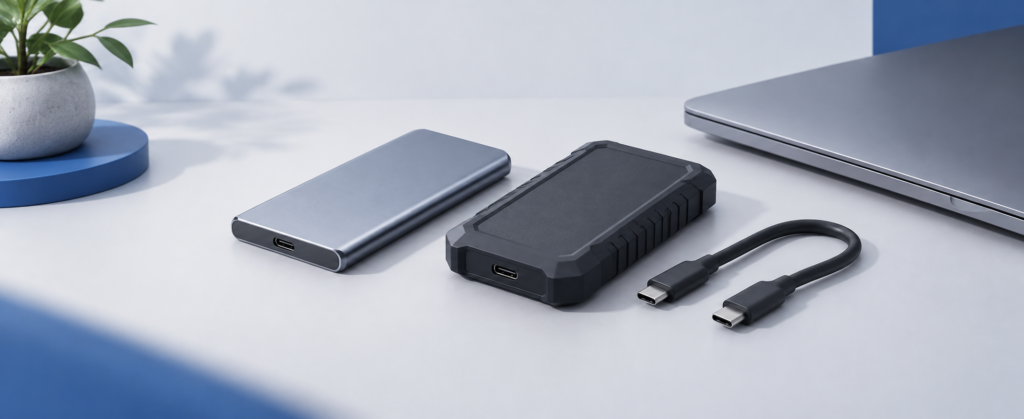
Concept illustrationChoose a portable SSD by the computers, files, capacity, and connections you actually use—not just the speed on the box.
11 articles · Newest published first
Concept illustrationA USB-C connector does not tell you everything a cable can do. Match the power rating, data rate, video support, and length to the job before buying.
Concept illustrationDecode the card's bus interface, minimum-write class, and advertised read speed, then match the exact requirements in your camera manual.
Concept illustrationTrace the port, cable, shared connection, and test conditions before replacing an SSD that slows down through a hub.
Concept illustrationChoose a portable SSD by the computers, files, capacity, and connections you actually use—not just the speed on the box.
Concept illustrationA practical checklist for checking model, compatibility, seller, condition, coupon eligibility, and total cost before buying a USB-C hub on Amazon.
Concept illustrationCompare Rain Design mStand and iLevel2 dimensions, then plan keyboard space, laptop overhang, and cable clearance on a small desk.
Concept illustrationThree USB-C hub candidates organized by connection needs, with a MacBook Air chip check and clear limits on what specifications can tell you.
Concept illustrationMeasure your laptop and working space before choosing a stand. Compare fixed and adjustable designs without relying on untested comfort or stability claims.
Concept illustrationSeparate charger output, hub input, laptop output, and actual charging draw before choosing a USB-C hub with pass-through power.
Concept illustrationCheck your MacBook Air chip before buying a hub: native external-display limits, the M3 closed-lid requirement, and a practical monitor-connection checklist.
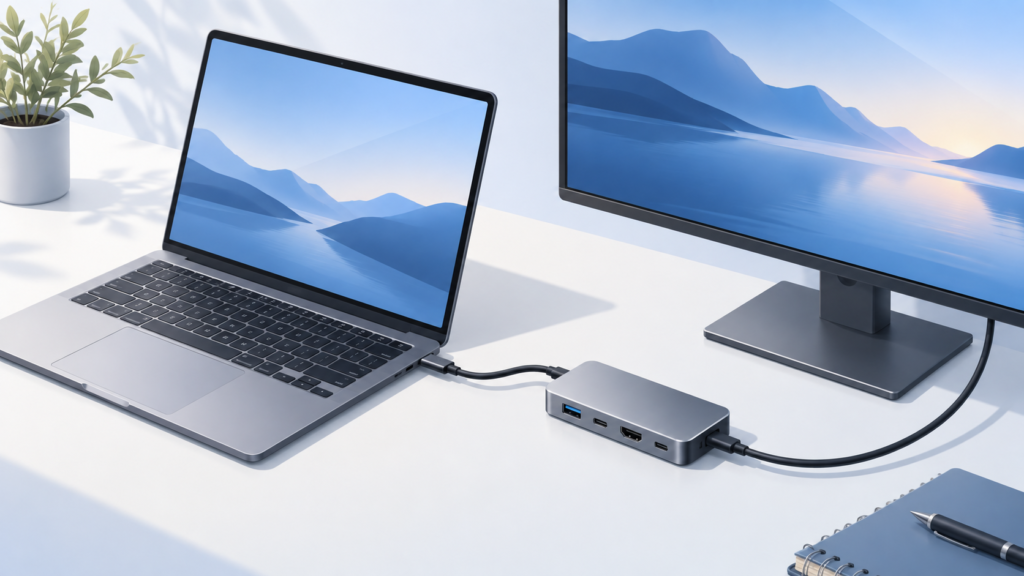
Concept illustrationChoose a USB-C hub that fits your laptop. Check monitor support, charging, data ports, and compatibility with this practical buying checklist.
Our current guides and comparisons use published specifications and cited sources. They are not hands-on test reports.
Each article states whether it is research-based and whether products were tested hands-on.
Confirm your device, ports, operating system and must-have features first.
We highlight practical differences instead of treating specifications as a scorecard.
Model names, bundles, prices and compatibility can change; check the exact listing.
Our buying guides help you define requirements before comparing products.
Compare products