Disclosure: As an Amazon Associate I earn from qualifying purchases. Shopping links in this guide are paid links.
Cover: AI-generated conceptual illustration, not a photograph of the named products or evidence of testing.
If your laptop lacks an Ethernet socket, both a USB-C Ethernet adapter and a compatible hub can add one. The better choice depends less on which device has more ports and more on what is missing from your desk. Buy the networking connection you need, then decide whether combining other connections would actually simplify your routine.
Research-based guide: We have not hands-on tested these products. This comparison uses manufacturer specifications checked September 21, 2026. It does not claim measured throughput, lower gaming latency, or better connection reliability.
Start by counting the connections you already have
Write down how your display, keyboard, mouse, storage, and charger connect today. A monitor or existing dock may already provide some of those ports. Adding another hub can duplicate equipment rather than solve a problem.
Then separate permanent connections from occasional ones. A wired network used all day is different from a card reader used once a month. A standalone adapter can be the simpler purchase when everything except Ethernet is already covered. A hub becomes more interesting when several missing connections travel together.
Gigabit is a link capability, not your internet speed
An adapter’s network link rate does not determine every transfer through it. Your local network and internet connection are different parts of the route. The router, switch, computer connection, remote service, and other equipment can limit the result. Plugable’s network guide explains why a link-rate specification should not be read as guaranteed file-transfer or internet throughput. Source: network performance and bottlenecks.
Before replacing hardware, identify the problem you want to solve. Is the desk missing a physical Ethernet connection? Is a local file copy slow? Is an online service slow? A different adapter cannot be assumed to fix all three. Do not pay for a faster network rating without knowing whether the rest of the route supports it.
A standalone adapter: focused, with a revision check
Affiliate disclosure: We may earn a commission if you buy through the product-name links or Amazon buttons below. Confirm the selected model, seller, condition, price, and return terms on Amazon before ordering.
The Plugable USBC-E1000 USB-C Gigabit Ethernet adapter provides a single Ethernet connection and draws power from the computer. It does not add HDMI, card slots, or laptop pass-through charging. It is a focused candidate if networking is your only missing connection. Source: exact-model specifications.
There is an important detail for used stock or an adapter already in your drawer: Plugable distinguishes newer USBC-E1000 hardware from versions sold before mid-2023, including different macOS support and driver guidance. Check the revision and current operating-system instructions; do not assume an old unit behaves like the current listing.
Check price on Amazon
A hub: useful when you need the other ports too
The Anker 555 USB-C Hub, A8383 is an example of consolidation: its manufacturer lists gigabit Ethernet, HDMI, USB-A and USB-C data connections, and SD/microSD slots. It also accepts a separate charging input, with up to 85W specified for the laptop from a suitable 100W input. A charger is not included. Source: Anker A8383 specifications.
This is not a reason to replace an Ethernet-only adapter automatically. First identify which additional ports you would use. Also check the laptop’s support for the hub’s display and charging functions; Ethernet working does not prove every other function is compatible. Our USB-C hub buying guide walks through that broader check.
Check price on Amazon
Map the physical desk before ordering
- USB-port availability: note which laptop port remains accessible when charging.
- Cable route: check where the Ethernet cable reaches the desk and whether it can reach the adapter without pulling.
- Existing equipment: inspect the monitor and dock for an unused Ethernet socket first.
- Software requirements: confirm your exact operating system and any workplace restrictions on drivers.
- Network target: match the required link rate to your router or switch instead of buying from the largest number alone.
Choose the standalone route when it fills one clear gap. Choose the hub route when its extra functions earn their place and pass the compatibility checks. Neither form factor, by itself, establishes that one product will deliver better real-world networking performance.

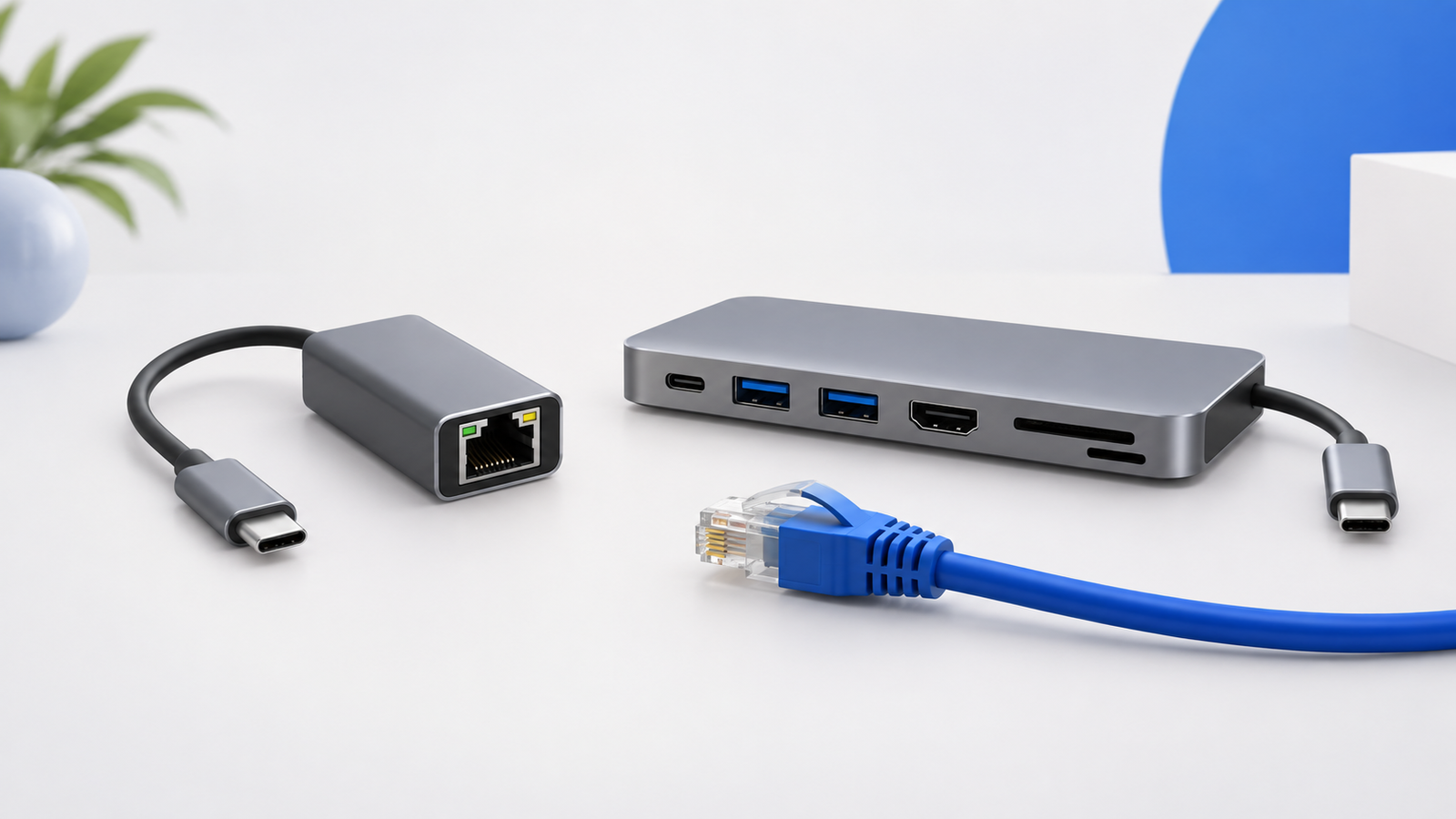
 Concept illustration