Disclosure: As an Amazon Associate I earn from qualifying purchases. Shopping links in this guide are paid links.
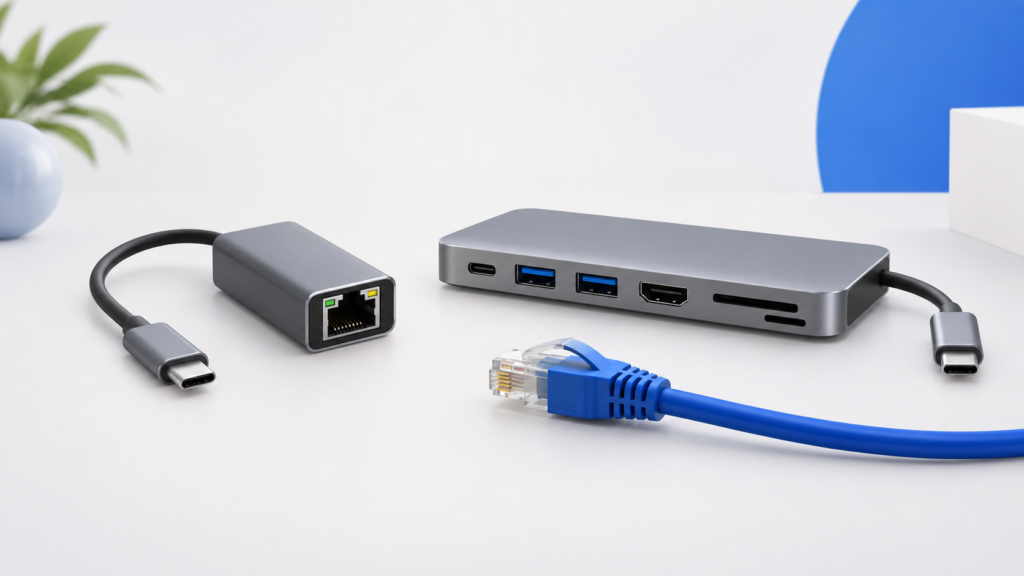
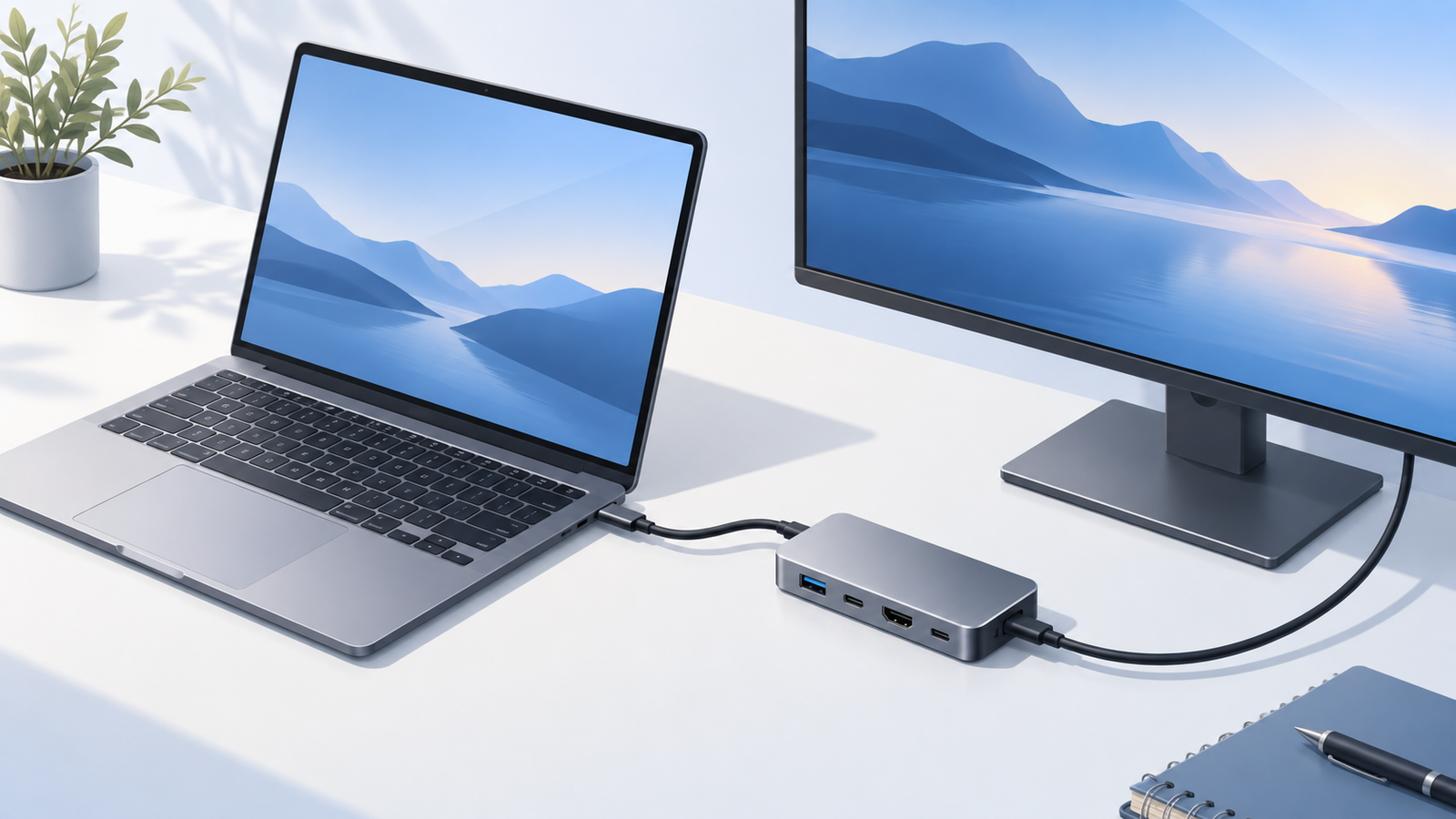
Research-based guide: No hands-on testing. Cover image is an AI-generated conceptual illustration, not a photograph of the named products or evidence of testing.
The Anker 332 and Anker 555 solve different connection lists. The 332 is the simpler candidate if you need a few USB devices and one HDMI screen. The 555 is worth considering when its additional connections or higher advertised display and data limits meet a specific requirement. Neither is automatically the better value without checking current prices and your laptop.
First, match the exact model
This comparison is for Anker 332 model A8355 and Anker 555 model A8383. It does not cover every Anker hub with five or eight ports. Match the model code in the selected listing and product details before ordering; a similar enclosure or a different color selector is not enough to establish identical specifications.
Table sources: Anker A8355 and Anker A8383. Maximums depend on compatible connected equipment; they are not simultaneous throughput measurements.
When the 332 is the more focused option
Start with the 332 if your list is a mouse receiver, a USB accessory, and one HDMI connection, with no card reader or wired network requirement. That is a port-fit judgment, not a claim about build quality. If you already have a separate card reader you like, counting a built-in reader as an automatic benefit would overstate its value to you.
The display limit is the important early filter. If your intended 4K setup requires 60Hz, do not choose this model expecting the computer or a more expensive HDMI cable to turn its advertised 4K30 output into 4K60. If your screen uses another mode, verify that mode rather than making a blanket assumption from the 4K headline.
Consider the 555 when you regularly need Ethernet or camera cards, or have a compatible USB storage workflow that makes its higher data-port rating relevant. List the accessories it would genuinely replace. A card slot you never use should not carry the same weight as the network connection you need every workday.
Its higher data rating is a capability ceiling, not a guarantee that copying a folder will take half the time. The drive, its enclosure, cable, host connection, file pattern, and competing traffic matter. We have not measured either hub’s transfer performance, temperature, or reliability.
The charging label does not choose a winner
Both models have the same published maximum laptop output. Choose between them on your connection needs rather than assuming the larger port count means more charging power. Include a compatible charger in your budget if you do not already own one, and distinguish the PD input socket from the USB-C data socket.
Neither is a dual-monitor answer
Each has one HDMI output. The USB-C data port is not a substitute second video connection. If two independent external screens are essential, stop this comparison and establish your laptop’s native display support and a suitable dock layout first. This is especially important across different MacBook Air chips.
A simple decision rule
- Reject either product if one non-negotiable requirement is missing.
- If both meet every requirement, compare the total cost with any extra adapters or chargers included.
- If only the 555 meets the list, decide whether that extra capability justifies its current price to you.
- If neither meets the list, do not let a discount turn an incompatible hub into a compromise purchase.
Check the exact model on Amazon
Affiliate disclosure: We may earn a commission if you buy through the product-name links or Amazon buttons below. Confirm the selected model, seller, condition, price, and return terms on Amazon before ordering.
Anker 332 USB-C Hub (A8355): the simpler connection set.
Check price on Amazon
Anker 555 USB-C Hub (A8383): the Ethernet-and-card-reader option.
Check price on Amazon
Continue your research
Sources and method
Prepared from the manufacturer and standards documentation linked below, checked September 16, 2026. Advertised capabilities are not our own measured results. We have not handled or bench-tested these products. The recommendations are conditional buying judgments, not performance rankings.

 Concept illustration