Disclosure: As an Amazon Associate I earn from qualifying purchases. Shopping links in this guide are paid links.
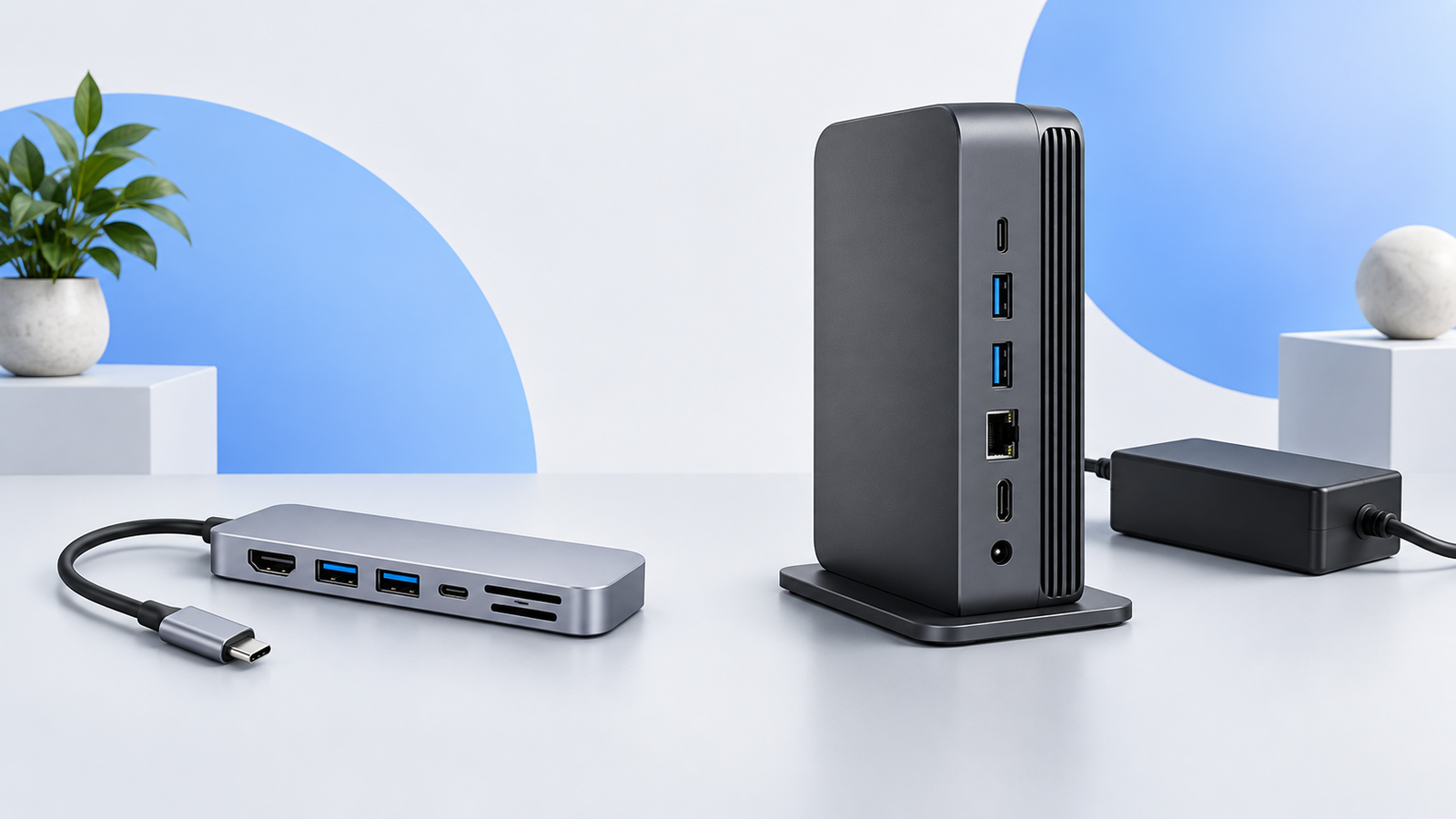
Research-based guide: No hands-on testing. Cover image is an AI-generated conceptual illustration, not a photograph of the named products or evidence of testing.
Choose the connection standard your workload needs, not the largest box. A compact USB-C hub may cover one display and everyday accessories. A Thunderbolt 4 dock becomes a candidate when the host and peripherals need its connection capabilities or when a permanent desk arrangement benefits from a more extensive dock. Neither category is automatically the right purchase.
USB-C describes a connector, not the whole capability
The familiar oval plug does not tell you whether a port supports video, a particular USB data speed, or Thunderbolt. VESA’s DisplayPort guidance explains video over USB-C using Alternate Mode. Check the computer’s manual and each accessory’s requirements; physical fit is only the first check.
Intel describes Thunderbolt 4 as a 40Gbps connection standard with docking and display capabilities. That is an interface specification, not a claim that every USB socket on a dock runs at 40Gbps or that a file transfer reaches that rate. Source: Intel’s Thunderbolt 4 guide.
Use a requirement matrix
A dock does not remove the computer’s display limit
A dock can offer convenient connections without creating additional native display capability. For MacBook Air in particular, chip generations have different limits and conditions. Apple’s display support guidance explicitly notes that supported hubs or daisy-chaining do not increase the computer’s maximum screen count.
Write down whether you want the laptop screen active, how many external screens you need, and each screen’s mode. Then locate the dock maker’s wiring example for that host. If a sales page says “dual display” but the compatibility table does not address your machine, the decision is unfinished.
Separate bandwidth from socket count
Two product photos can show similar sockets while carrying very different host connections. Conversely, a more capable upstream connection does not upgrade every attached accessory. Inventory the devices you use at the same time: keyboard, camera, network, external drive, and display. Then check the individual port specifications and any shared-bandwidth notes.
For ordinary peripherals, an expensive interface feature you cannot use may add little value. For a device that specifically requires Thunderbolt, a USB-C data hub is not an equivalent substitute just because the plug fits. Confirm fallback support explicitly rather than assuming it.
Compare the complete desk kit
- Count the charger or power supply, host cable, display adapters, and any extra card reader in the total cost.
- Check which cable is included and how far it must reach from the computer to the planned dock location.
- Decide whether connections belong at the front for frequent access or behind the desk for a permanent setup.
- Check any driver, firmware, or operating-system requirements against your work computer’s restrictions.
- If you move between computers, verify both models separately; one successful compatibility claim does not cover them all.
When a basic hub is enough
If your requirements stop at one compatible HDMI display, USB peripherals, and optional cards or Ethernet, begin by evaluating a hub against that list. The Anker 555 below is an example of that category, not a Thunderbolt dock. We are not naming a dock winner here because a suitable dock depends on the exact host and display plan.
Check the exact model on Amazon
Affiliate disclosure: We may earn a commission if you buy through the product-name links or Amazon buttons below. Confirm the selected model, seller, condition, price, and return terms on Amazon before ordering.
Anker 555 USB-C Hub (A8383): a conventional USB-C hub example, not a Thunderbolt 4 dock.
Check price on Amazon
Continue your research
Sources and method
Prepared from the manufacturer and standards documentation linked below, checked September 16, 2026. Advertised capabilities are not our own measured results. We have not handled or bench-tested these products. The recommendations are conditional buying judgments, not performance rankings.

 Concept illustration